Why customers keep calling for answers they could find themselves
What does customer portal development involve?
- Why customers keep calling for answers they could find themselves
- What is customer portal development?
- What a customer portal should actually do
- Custom customer portal or off-the-shelf software
- What customer portal development costs
- How we build a customer portal
- How to vet a customer portal development partner
- What a portal that actually resolves issues is worth
- Why only 14 percent of issues end in self-service
- Sources
- What clients ask us about customer portal projects
- Frequently asked questions about customer portal development
- Plan your customer portal with Techneth
Every call that starts with can you send me that invoice again is a sign your customers need a better way in. Customer portal development gives them one, a secure, logged-in space where they check orders, download documents, pay, and raise requests on their own, while your team gets its time back. We at Techneth build a custom customer portal around the data you already hold in your CRM, ERP, and billing tools, so what customers see is live and accurate. Below, you will find what a portal should do, when building custom beats buying portal software, what drives the cost, and how to vet a customer portal development company before you sign anything.
Key takeaways
- A customer portal is a secure, logged-in space where customers track orders, pay invoices, raise tickets, and find answers without contacting your team.
- Self-service only pays off when it resolves issues. Gartner found just 14 percent of service issues are fully resolved in self-service.
- Build custom when the portal needs live data from your ERP, CRM, or legacy systems, or permissions that off-the-shelf tools cannot handle.
- Cost follows scope and integrations. A tight first version covering a few high-value tasks is the safest start.
- Vet partners on discovery, access control testing, integration experience, and code ownership before you compare prices.
What is customer portal development?
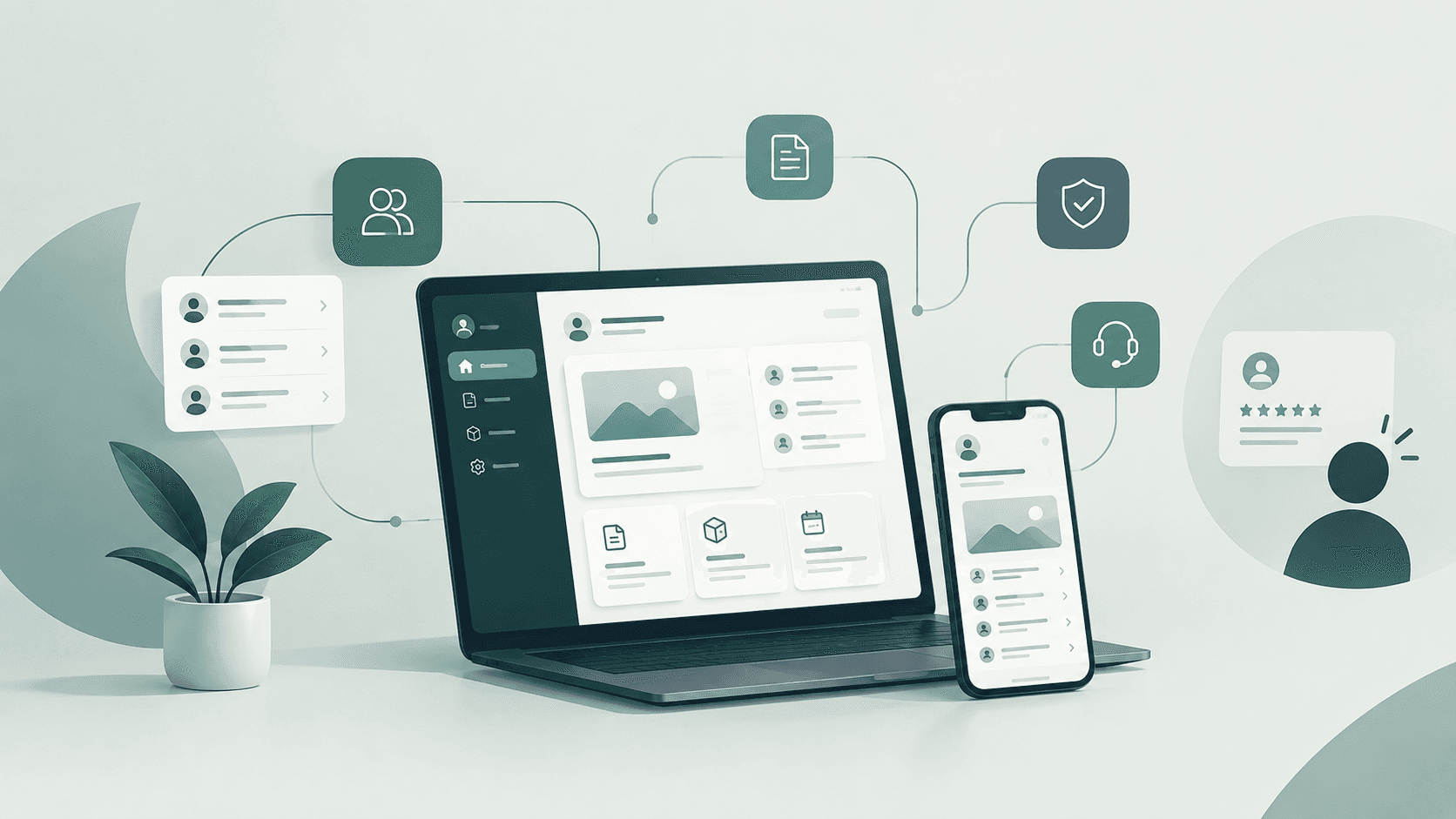
Customer portal development is the design and build of a secure web or mobile space where your customers log in to manage their account, orders, documents, payments, and support requests themselves. A custom portal connects to your existing systems, so customers see accurate, real-time information without contacting your team.
Already know what your portal needs to do? Book a free consultation and we will scope it with you.
What a customer portal should actually do
Self-service is popular, but it often fails. In a Gartner survey of 5,728 customers, 73 percent used self-service at some point, yet only 14 percent of issues were fully resolved there. The most common reason was simple, customers could not find content relevant to their problem. So the goal is not a portal with every possible feature. It is a portal that finishes the jobs your customers actually come to do.
The features that earn their place
- Secure sign-in with single sign-on and multi-factor authentication, so the right people get in and nobody else does.
- Account, order, and shipment tracking pulled live from your systems, not a nightly copy that is already out of date.
- Invoices, statements, and online payments, which removes one of the most common reasons customers contact your finance team.
- Support tickets with status updates, so customers see progress instead of chasing it.
- A searchable knowledge base and document library for contracts, manuals, and certificates.
- Role-based access for company accounts, where a buyer, an approver, and an accountant each see what they need.
- Notifications by email or in the app when something changes.
Pro tip. Before you scope a single feature, pull the twenty most common reasons customers contacted your team last quarter. The top five usually make the right first version, and everything else can wait for real usage data.
Custom customer portal or off-the-shelf software
Both are legitimate, and we will tell you plainly if portal software already does the job. Here is how they compare on the factors that usually decide it.
If your portal only needs to show tickets from one helpdesk, software is often enough. If it has to combine live data from several systems, or carry permissions and workflows specific to your business, custom tends to cost less over its life.
When building custom pays off
Custom earns its place when the portal sits on top of systems that do not talk to each other, a legacy ERP, a CRM, a billing platform, a warehouse tool. It also wins when your customers are companies with complex account structures, or when per-user fees would grow faster than your customer base. Often the portal is the natural front end for work you need anyway, such as a custom CRM that holds the customer record the portal reads from.
Does your portal need to pull from systems you already run? Book a free consultation and we will map the data with you.
What customer portal development costs
The factors that move the price
There is no honest flat price, because a portal's cost follows its scope. Integrations are usually the biggest driver, since every system the portal reads from or writes to needs careful work. After that come the number of self-service tasks, the permission model, single sign-on, compliance obligations, and design. Published 2026 pricing guides put a focused first version at roughly 15,000 to 35,000 euros and a fully integrated portal connected to ERP and billing at roughly 40,000 to 90,000 euros, with annual hosting and upkeep at around 15 to 20 percent of the build cost. We give you a number tied to a defined scope after discovery, and we will push back if a smaller first version would get you most of the value for less.
How we build a customer portal
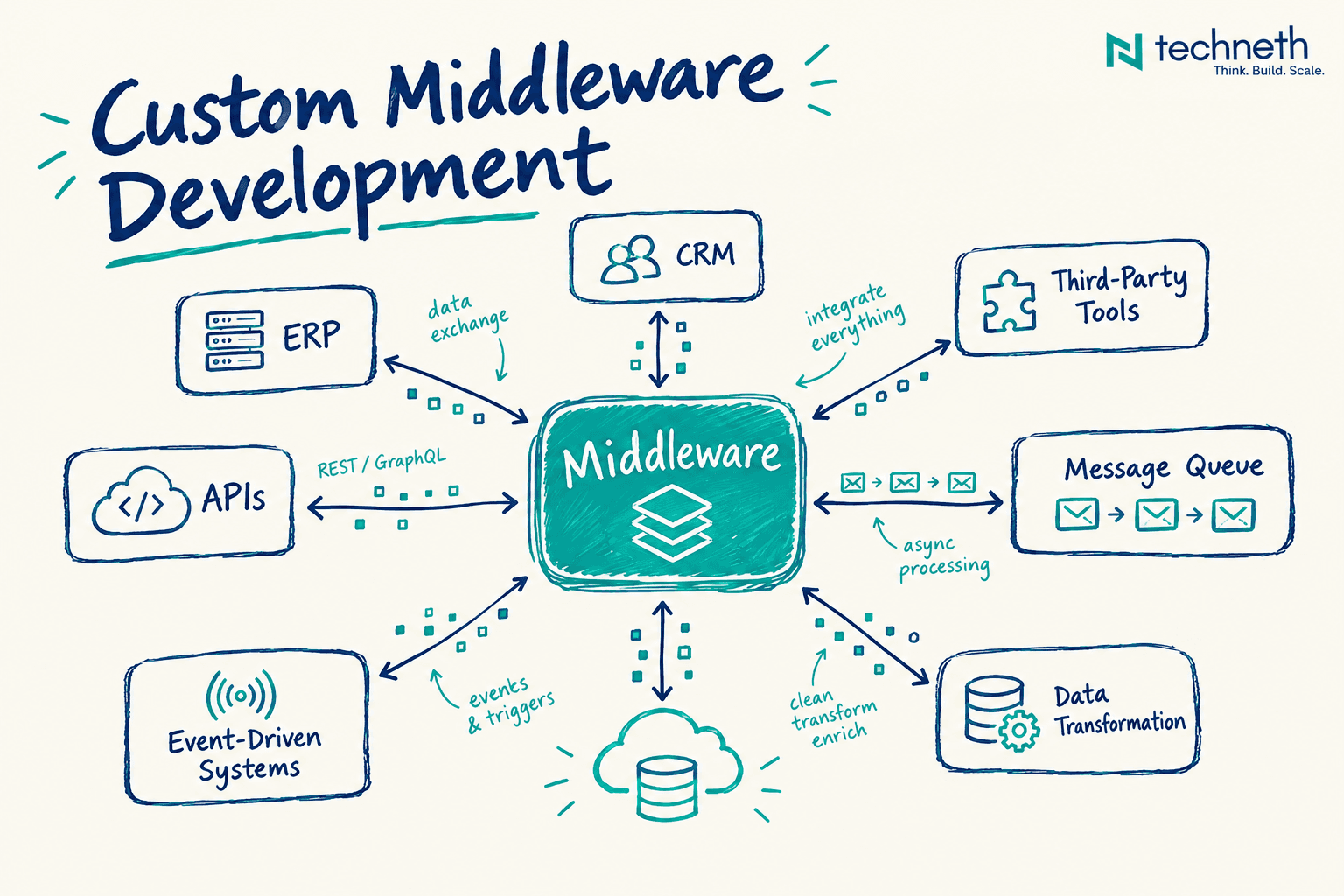
We start with discovery, not code. We map who your customers are, what they ask your team for, and where the data to answer them lives. Then we build in two-week sprints with a working demo every week, so you watch the portal take shape and can redirect it early. A focused first version typically ships in one to two months. The integrations run on solid backend and API development, and when your data sits across several older systems, a custom middleware layer keeps it consistent. With 50 plus projects delivered and a team of 20 plus engineers, we have seen most of the ways portal projects go wrong, and we plan around them.
Phase by phase deliverables
- Discovery. A map of your customers' top requests, a data and integration inventory, a draft permission model, and a scoped first version with an estimate.
- Design. Information architecture and a clickable prototype tested with real users, mobile layouts, and accessible components, shaped by our UI/UX design team.
- Build. Secure sign-in and role-based access, the core self-service features, integrations with your CRM, ERP, and billing tools, and audit logging, with a working demo every sprint.
- Test. Cross-account access tests, a penetration test, load testing, and user acceptance testing with a group of real customers.
- Launch and support. Production deployment, uptime monitoring backed by our 99.9 percent uptime standard, usage analytics, handover documentation, and ongoing support.
Security that keeps every account separate
A portal holds every customer's data in one place, which makes access control the part you cannot get wrong. Broken access control sits at number one in the OWASP Top 10 for 2025, the industry's standard list of critical web application risks, and in a portal it means one customer seeing another customer's invoices. We design permissions from the first sprint, encrypt data in transit and at rest, log access for audit, and build to SOC2, GDPR, and HIPAA standards where they apply.
Pro tip. Ask any partner to show you a test where one customer account tries to open another account's invoice by changing the ID in the web address. If they have never run that test, keep looking.
How to vet a customer portal development partner
The partner matters more than the feature list, because the hard parts of a portal, data integration and access control, are invisible in a sales demo. These questions separate teams who have done this before from teams who have not.
Questions to ask before you sign
- How will you find out which tasks our customers actually want to do themselves?
- How do you make sure each customer only sees their own data, and how do you test it?
- Which of our systems will the portal read from and write to, and who builds those integrations?
- What will we see each week, and when do we get working software?
- Who owns the code, the IP, and the hosting accounts when the project ends?
- What does support look like after launch, and what does it cost?
Red flags that should end the conversation
- A fixed quote before anyone has looked at your systems or your data.
- Vague answers about how access control is tested across customer accounts.
- Integrations treated as something to figure out later.
- The code stays with the vendor, or hosting is locked to their account.
- No plan, and no price, for support after launch.
What a portal that actually resolves issues is worth
A portal that works changes the economics of serving customers. Routine requests stop landing in inboxes, your team spends its time on problems that genuinely need a person, and customers get answers at midnight without waiting for Monday. You also gain something easy to overlook, a clear record of what customers do and search for, which tells you where your product and service need work. A portal that does not resolve issues does the opposite. It adds a channel that frustrates people before they call anyway. The difference comes down to scope, data, and design, and it usually starts with getting your customer data in order across your CRM and business systems.
Why only 14 percent of issues end in self-service
The gap between using self-service and finishing there is wide. In Gartner's survey, 73 percent of customers used self-service at some point, yet only 14 percent of issues were fully resolved there. Even issues customers called very simple were resolved in self-service just 36 percent of the time. The causes are design problems you can fix, 43 percent of failures happened because customers could not find content relevant to their issue, and 45 percent of customers who started in self-service felt the company did not understand what they were trying to do.
© techneth.com
A portal is only as good as the data behind it. We spend the first weeks mapping where orders, invoices, and tickets actually live, because a polished portal showing stale data costs more trust than having no portal at all.
Walid Hasmi, CBO, Techneth. You can read more about how we work on our about Techneth page.
Sources
The research and standards referenced above.
- Gartner. Gartner Survey Finds Only 14% of Customer Service Issues Are Fully Resolved in Self-Service, press release, August 2024.
- OWASP Foundation. OWASP Top 10, 2025 edition, the standard awareness list of critical web application security risks.
What clients ask us about customer portal projects
How long does it take Techneth to build a customer portal?
A focused first version typically ships in one to two months, depending on how many systems it connects to. We work in two-week sprints with a demo at the end of each, so you see working software every week and can adjust priorities before launch rather than after.
How do you price a customer portal project?
We price after discovery, once we know the tasks, integrations, permissions, and compliance needs. You get an honest number tied to a defined scope, and we will recommend a smaller first version when it delivers most of the value for less. No vague estimates that grow later.
Can the portal connect to our existing CRM or ERP?
Yes. Connecting to the systems you already run is usually the core of the work. We build integrations with CRMs, ERPs, billing, and helpdesk tools, including older systems without modern APIs, so customers see live, accurate data rather than a copy that goes stale.
Will we own the code and the IP?
Yes. You own the code and the intellectual property outright, with no lock-in to us. Hosting accounts sit in your name, and we document the portal so your own team or another partner can maintain it if you ever choose to move on.
Do you support the portal after launch?
Yes. We stay through launch and beyond with monitoring, security updates, fixes, and new features as usage data comes in. Portals improve most in the months after launch, once you can see what customers actually use, so we plan for that from the very start.
Can you meet GDPR, HIPAA, or SOC2 requirements?
Yes. We build to SOC2, GDPR, and HIPAA standards where they apply, with encryption, role-based access, and audit logging designed in from the first sprint. For regulated industries such as healthcare or finance, compliance shapes the architecture rather than being bolted on at the end.
Frequently asked questions about customer portal development
What is a customer portal?
A customer portal is a secure, password-protected website or app where customers log in to manage their relationship with a business. Typical tasks include tracking orders, downloading invoices, making payments, raising support tickets, and finding answers in a knowledge base, all without contacting staff.
What is the difference between a customer portal and a website?
A public website is the same for every visitor and mostly informs. A customer portal sits behind a login, shows each customer their own data, such as orders, invoices, and tickets, and lets them act on their account. One markets your business, the other serves existing customers.
What is the difference between a customer portal and a client portal?
The terms are often used interchangeably. In practice, client portal usually describes a service relationship, such as an agency or law firm sharing files and updates, while customer portal tends to mean a larger self-service platform covering orders, billing, and support for many customers at once.
What features should a customer portal have?
Core features are secure sign-in, account and order tracking, invoices and payments, support tickets with status updates, a searchable knowledge base, document access, and notifications. Business customers also need role-based access so different people in one company see different things. Start with the tasks customers request most.
How much does it cost to build a customer portal?
It depends on scope and integrations. Published 2026 guides put a focused first version at roughly 15,000 to 35,000 euros and a fully integrated portal at roughly 40,000 to 90,000 euros, plus annual upkeep around 15 to 20 percent of the build. Discovery gives you an accurate figure.
How long does it take to develop a customer portal?
A focused first version usually takes one to two months. A portal with several complex integrations, custom permissions, or strict compliance needs takes longer and is best delivered in stages, launching the most valuable features first and adding the rest based on how customers use them.
Should I build a custom customer portal or buy portal software?
Buy software when your needs are standard and the portal draws from one system that already offers one. Build custom when you need live data from several systems, complex company accounts, or workflows specific to your business, or when per-user fees would outgrow a one-time build.
How do you keep a customer portal secure?
Enforce strict access control so each customer only sees their own data, and test it across accounts. Add multi-factor authentication, encrypt data in transit and at rest, log access for audit, and patch regularly. Broken access control is the top risk in the OWASP Top 10 for 2025.
Can a customer portal integrate with my CRM?
Yes, and it usually should. The CRM holds the customer record, so integrating lets the portal show accurate account details and lets customer actions update the CRM automatically. Many CRMs offer APIs for this, and custom middleware can bridge older systems that do not.
Weighing price and timeline for your own portal? Book a free consultation and we will give you a scoped estimate after a short discovery call.
Plan your customer portal with Techneth
Tell us what your customers keep asking for, and we will show you what a portal that answers it would look like, what it would cost, and how fast a first version could be live. Call us on +31 85 060 1596 or book a free consultation.
Ready to start your next project?
Tell us about your idea - we build web, mobile and AI products that scale.
Let’s TalkYou can learn more about Techneth and the team behind it, explore our software development services including CRM and business systems and custom CRM development, browse real projects in our portfolio, or reach the team through our contact page to book your free consultation.