Building a website for a new startup is one of the most critical early investments you will make. However, the web development industry is notorious for confusing pricing, technical jargon, and hidden fees. Depending on who you ask, a startup website can cost anywhere from $500 to $50,000.
To help you navigate this process, we have broken down exactly what it takes to build, host, and rank a startup website in 2026.
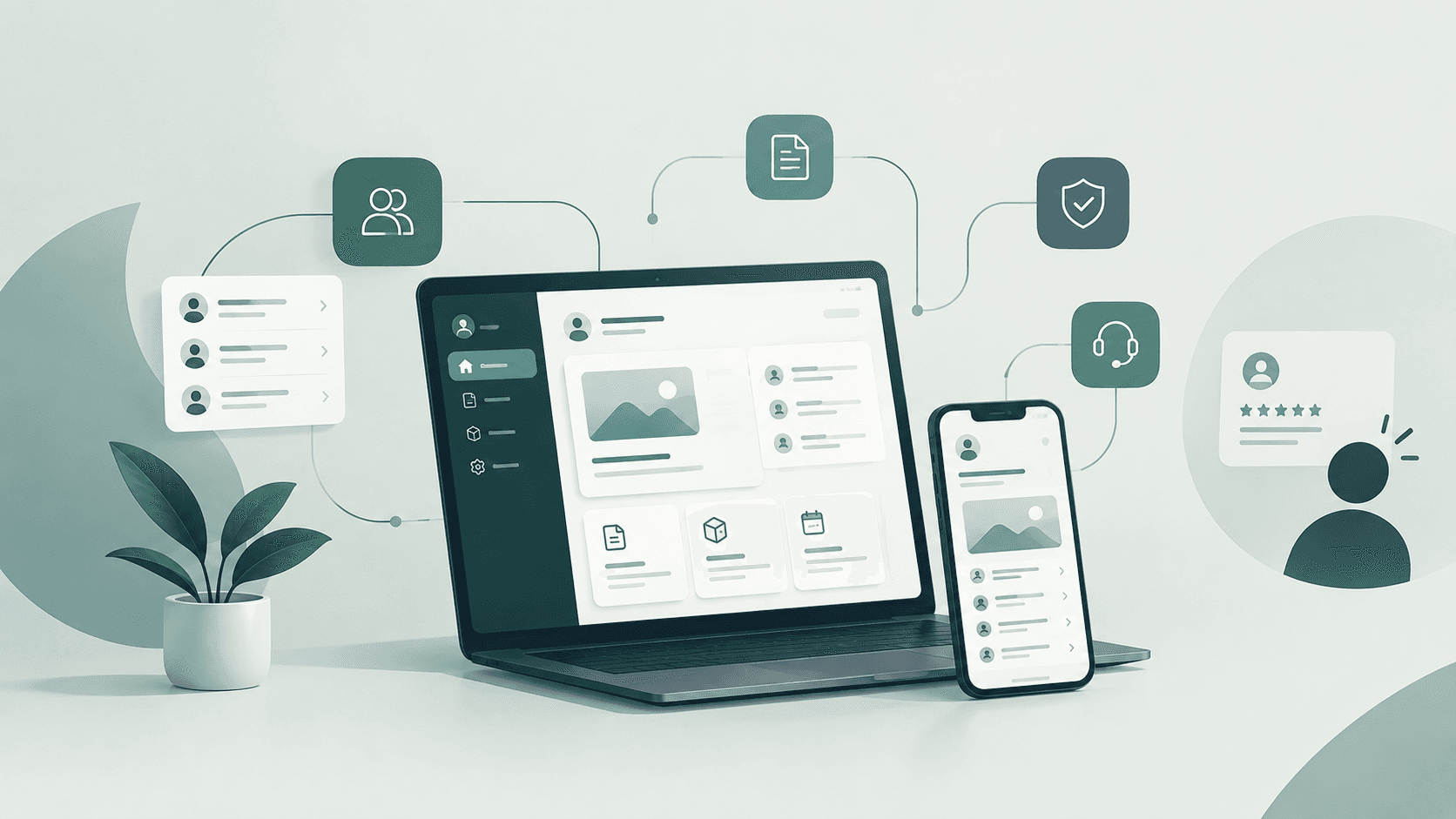
Modern E-Commerce Layout. Source: msan10 / Getty Images
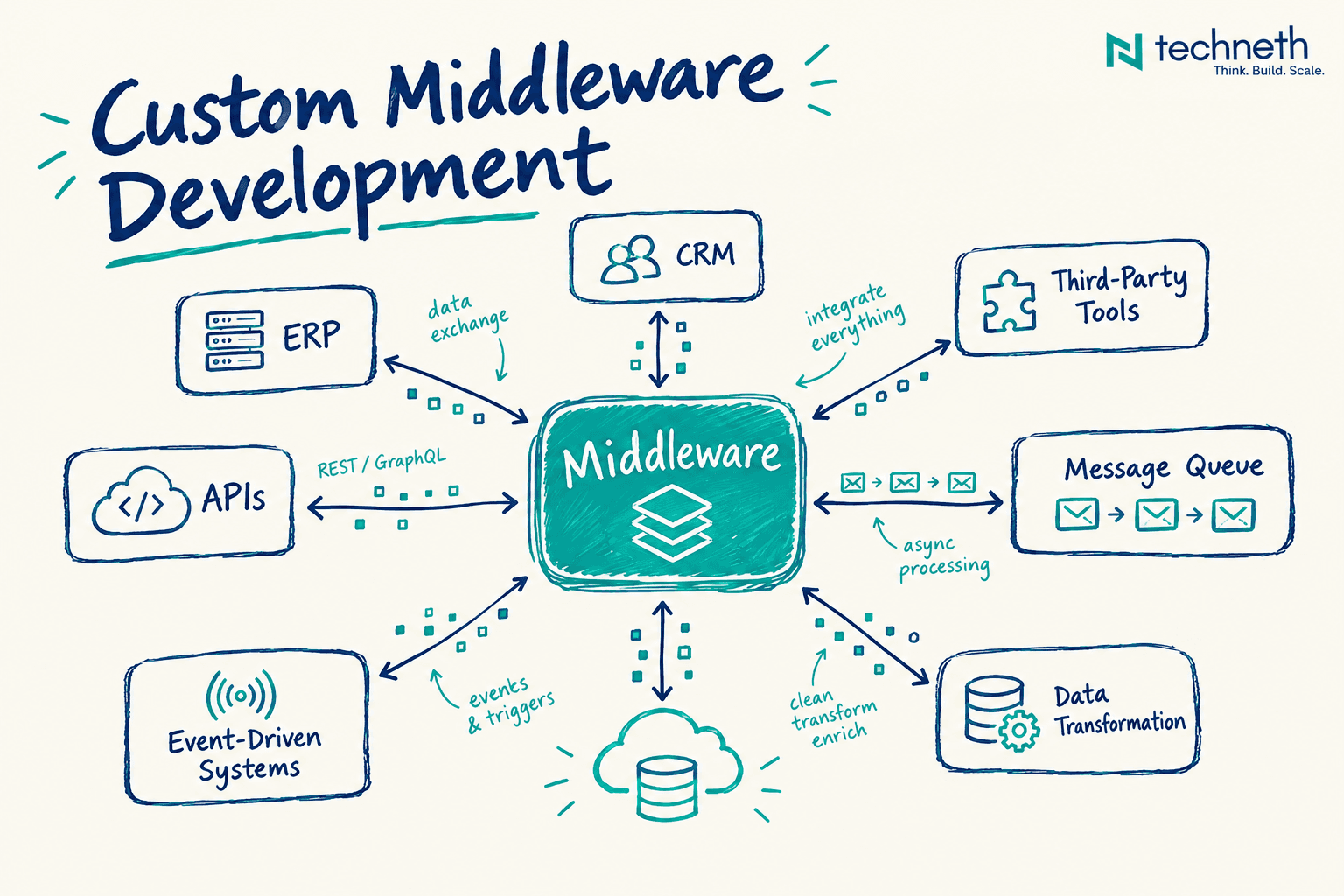
SaaS Platform Landing Page. Source: Saqib Ahmed / Getty Images
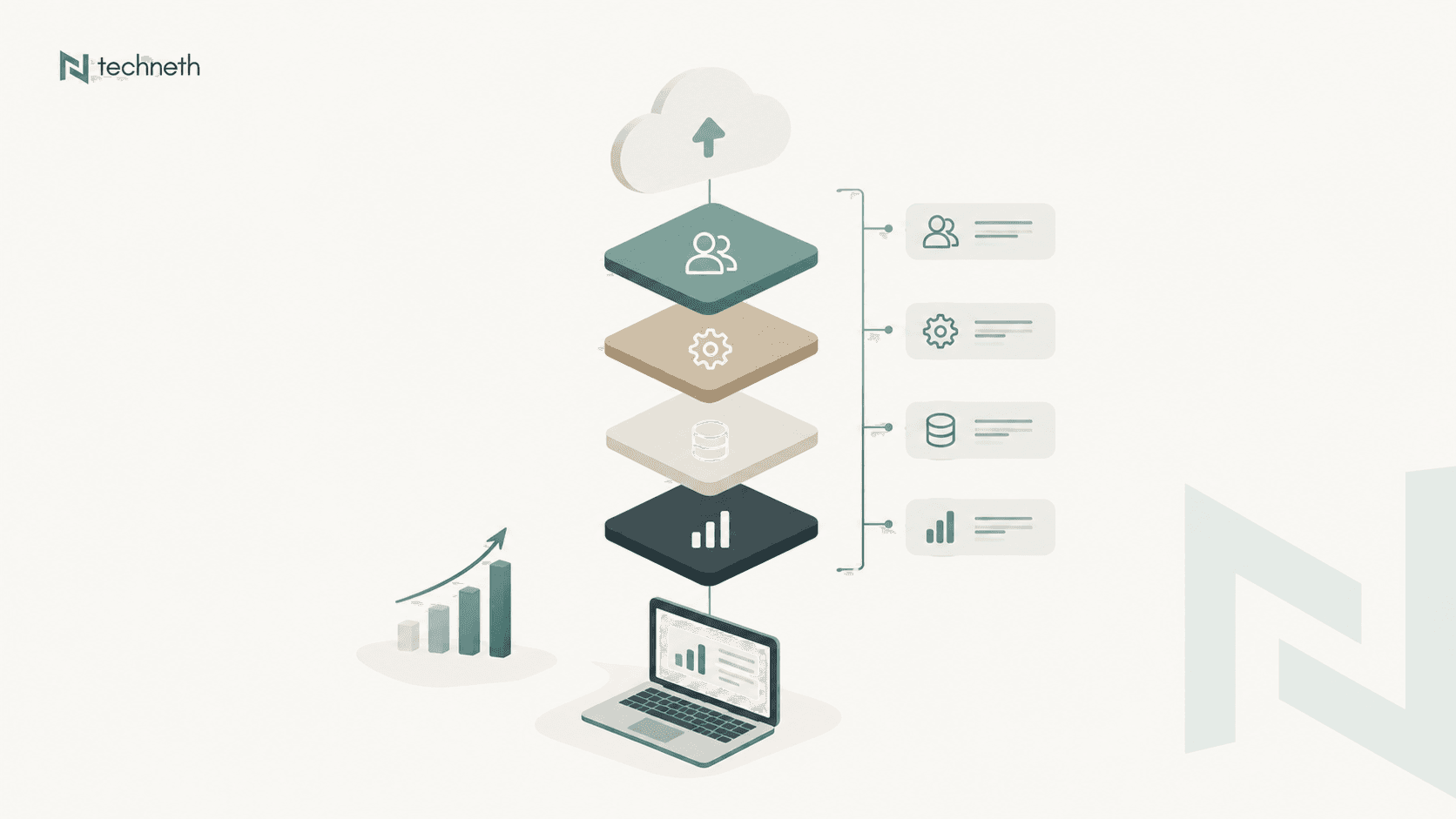
Minimalist Corporate Interface. Source: kitka / Getty Images
1. Tech Stacks: Choosing Your Architecture
The foundation of your website determines how fast it loads, how easy it is to update, and how securely it scales. Most startup websites fall into one of two structural categories:
- Content Management Systems (CMS): Platforms like WordPress or Webflow. These are perfect for marketing sites, blogs, and basic portfolios. They allow non-technical founders to log in and publish content instantly without writing code.
- Custom Front-End & Back-End Builds: When your website is an actual product (like a SaaS dashboard or a complex marketplace), you need custom architecture. Developers typically build the front-end (what users see) using frameworks like Next.js or React, and the back-end (where data is processed) using Node.js, Python, or Go. Databases like PostgreSQL or MongoDB handle the data storage securely.
2. Pricing Based on Website Type
Industry data for 2026 shows a clear division in how web projects are priced based on the technology used:
| Website Tier | Typical Architecture | 2026 Average Cost Range | Best For |
| Basic MVP / Landing Page | CMS Template / No-Code | $1,000 – $3,000 | Pre-revenue startups validating an idea. |
| Mid-Sized Corporate Site | Custom CMS Design | $5,000 – $15,000 | Seed-stage startups needing professional branding and blogs. |
| Custom Web Application | Next.js + Node.js Backend | $20,000 – $50,000+ | Tech startups building portals, tools, or scalable SaaS products. |
3. The Importance of SEO and Ranking
Having a beautifully designed website is useless if your target audience cannot find it on Google. SEO (Search Engine Optimization) is the process of structuring your site so search algorithms understand your value and rank you above competitors.
- What it is: SEO involves optimizing your on-page text, compressing images, and ensuring your site architecture makes sense to search engine crawlers.
- What might be better: While CMS platforms have decent SEO plugins, a custom-built site using a modern framework like Next.js offers Server-Side Rendering (SSR). SSR delivers fully formed pages to Google instantly, drastically improving your Core Web Vitals and load speeds—giving you a massive ranking advantage over slower, template-heavy competitors.
4. Domain and Hosting Costs
To get online, you must rent a digital name (Domain) and a digital plot of land (Hosting).
- Domain Name: A standard
.comdomain typically costs $10 to $20 per year. If you are targeting a specific region, localized domains (like a.com.us) run roughly the same equivalent price annually. - Web Hosting:
- Shared Hosting: $3 to $10/month (Best for new, low-traffic CMS sites).
- Virtual Private Server (VPS): $15 to $50/month (Better speed and control as traffic grows).
- Cloud/Dedicated Hosting: $80 to $200+/month (Required for custom web apps with heavy user databases).
5. Yearly Maintenance and Hidden Charges
Startups often forget to budget for the ongoing costs of keeping a website alive and secure. A healthy website requires constant monitoring:
- Routine Maintenance: Updating CMS plugins, fixing broken links, and database optimization usually costs $50 to $200 per month.
- Security (SSL): While basic SSL certificates are often free, enterprise-grade validation certificates can cost $50 to $200+ per year.
- API & Third-Party Tools: If your site connects to CRMs, email marketing tools, or payment gateways, expect rolling subscription costs for those third-party services.
6. What Will the UI/UX Be Like?
For a modern startup, the User Interface (UI) and User Experience (UX) must project instant credibility. In 2026, the standard UI/UX approach relies on:
- High Contrast & Minimalism: Clean white or deep dark-mode backgrounds with vibrant, singular accent colors to guide the user's eye to the primary call-to-action.
- Frictionless Navigation: Complex menus are out. Users expect to find pricing, features, and contact information within a single click.
- Responsive Fluidity: The design must automatically adapt perfectly from an ultra-wide desktop monitor down to a smartphone screen without breaking a single text block.
7. Total Cost Summary & The Geolocation Advantage
If you build a mid-sized startup website using a downtown agency in New York or London, you are paying for their high-end office rent. A standard custom build in those markets easily commands $25,000 to $50,000.
However, smart founders leverage the geolocation advantage. By partnering with elite development hubs in rapidly growing tech centers—such as the Asian regional offices operating out of Dhaka, Bangladesh—startups can access world-class, full-stack engineering talent at a fraction of the overhead. The exact same rigorous Next.js and Node.js architecture that costs $30,000 in the West can be engineered for $6,000 to $10,000 in these regional tech hubs. This strategy extends your financial runway while delivering a flawless, premium digital product.
Excellent Websites for Design References
If you are looking for inspiration before you start your build, browse these curated design galleries to see what the top 1% of the web looks like:
- Awwwards (awwwards.com): The industry standard for recognizing the talent and effort of the best web designers, developers, and agencies in the world.
- Lapa Ninja (lapa.ninja): A fantastic gallery featuring the best landing page designs across various startup industries.
- Godly (godly.website): A highly curated feed of astronomically good web design, heavily focused on modern SaaS, tech startups, and e-commerce.
- Dribbble (dribbble.com): Great for searching specific UI components, mobile layouts, and experimental branding concepts.
Ready to bring your startup's vision to life? Do not let your digital presence fall behind the competition. Book a meeting to build your website with us today, and let our expert engineers architect your success.
Thank you for reading the blog!